


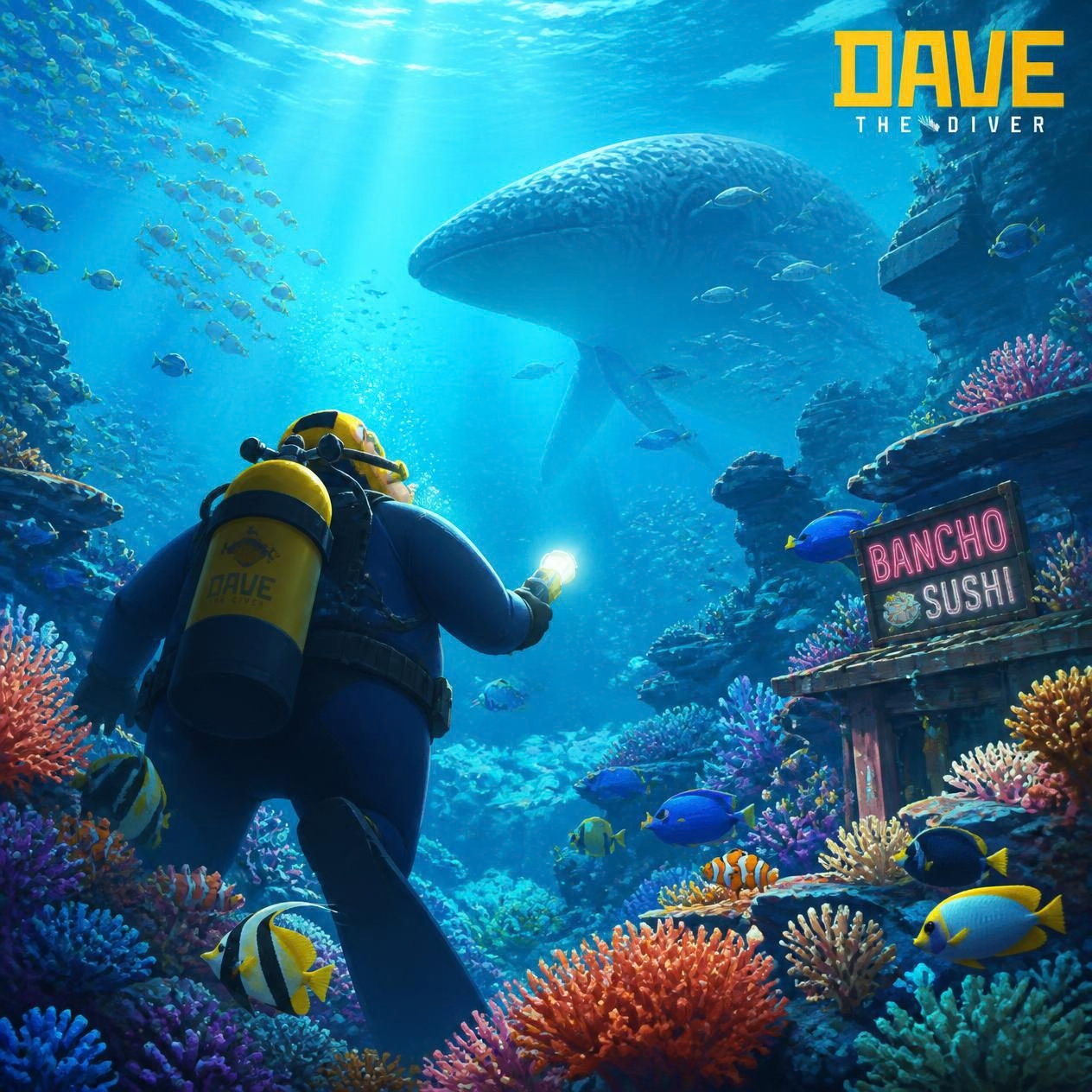
If you just downloaded Dave the Diver on your phone and you’re wondering whether the touch controls actually hold up, the short answer is yes, but a few settings and habits make the difference between fumbling with an invisible joystick and diving like you’ve had a controller in your hands for years. These Dave the Diver mobile tips cover the control layout, the gyro tea-pouring gimmick, battery life, and the small stuff nobody tells you before your first run into the Blue Hole.
Dave the Diver launched on iOS and Android on September 17, 2026, as a full port of the 2023 PC and console hit from Nexon’s MINTROCKET studio. It’s the same game underneath: dive by day, collect fish and gear, then run Bancho Sushi by night. The mobile build didn’t get watered down, it got re-mapped for your thumbs, and that re-mapping is worth understanding before you jump in.
Quick answer
The controls use a floating virtual joystick that appears wherever you first touch the left side of the screen, paired with contextual action buttons on the right. It’s not a fixed d-pad glued to a corner, so you can reposition your thumb mid-dive without losing control. For the sushi restaurant’s tea-pouring minigame, the game switches to gyroscope tilt instead of a button prompt. Both systems work well once you know they’re there, and the game also supports Bluetooth controllers if touch still isn’t for you.
The basics
Before getting into the tips, here’s what’s actually different about the mobile version compared to Steam or Switch:
-
- Price: the base game is $9.99 on the Google Play Store (regional pricing applies), with no ads and no microtransactions in the core game.
- What’s included: the DREDGE crossover content comes bundled at no extra cost. The “In the Jungle” DLC is a separate $4.99 purchase. The Godzilla and Like a Dragon collab content from PC/console isn’t available on mobile.
- iOS trial: Apple users can play the opening section for free before buying the full unlock, which is a nice way to test the controls on your own device first.
- Performance: because it’s a pixel-art game, it runs at 60fps on most modern phones without needing flagship hardware.
Tips for playing Dave the Diver on touch controls
- Let the joystick find your thumb, not the other way around. The stick appears where you first press down on the left half of the screen, so don’t hunt for a fixed icon. Rest your thumb naturally and start moving.
- Use the gyro for tea-pouring, but hold the phone steady first. The Bancho Sushi tea-serving minigame swaps the usual button-mash or mouse-drag for a tilt gesture. It feels gimmicky for about thirty seconds and then becomes second nature. If you’re playing on a bus or in a car, this is the one moment you’ll want to pause instead of fight the sensor.
- Turn on a Bluetooth controller for boss fights if you have one. Reviewers testing controllers like the GameSir X5s found the game recognized them almost immediately and swapped prompts automatically. Touch is fine for exploring and fishing, but precise harpoon aiming during tougher encounters is noticeably easier with a stick.
- Adjust the touchscreen layout in settings. The mobile port ships with adjustable button placement, so if you’re left-handed or have larger hands, move the action buttons before you get twenty hours deep and used to a bad layout.
- Watch your battery, seriously. This is the biggest complaint in early reviews: continuous diving sessions can burn through a meaningful chunk of battery per hour on a phone. If you’re planning a long session, keep a charger nearby or use a power bank rather than assuming you’ll get through an afternoon on one charge.
- Use fast travel once you unlock it. The mobile version keeps the fast-travel option from later updates, which cuts down on repetitive swimming and saves your thumbs (and battery) for the parts that actually need precision.
- Rotate your phone fully before big dives. There’s a known rare rendering glitch tied to switching orientation mid-dive. It’s not common, but if the screen looks off after flipping the phone, backing out to the surface menu and re-entering usually clears it.
Mistakes to avoid
- Don’t assume cross-save works with PC/Switch. As of launch, cross-save and cloud-save support between mobile and other platforms hadn’t been officially confirmed, so don’t delete a save assuming it’ll sync.
- Don’t buy DLC blind. Check the store listing before purchasing “In the Jungle” or any other add-on since mobile doesn’t carry over every collab pack from PC and console.
- Don’t play the tea-pouring minigame one-handed while doing something else. The gyro genuinely needs both hands steady on the device for a couple of seconds, it’s not built for one-thumb multitasking.
- Don’t ignore the settings menu. A lot of players jump straight into diving without touching the control layout options, then complain the buttons feel cramped. Spend two minutes there first.
FAQ
Is Dave the Diver mobile the full game or a cut-down version?
It’s a full port. The core diving, collecting, upgrading, and restaurant management loop is intact, with only the control scheme and a couple of platform-specific DLC packs differing from PC and console.
Does Dave the Diver mobile support a physical controller?
Yes, external Bluetooth controllers are supported and get recognized automatically, with on-screen prompts switching to match.
Do I need a high-end phone to run it well?
No. Since it’s built on pixel art rather than 3D assets, most modern phones handle it at 60fps. The bigger concern is battery drain during long sessions, not raw performance.
Have you tried the mobile version yet, and does the gyro tea-pouring bit grow on you or drive you nuts? Drop your take in the comments.
Source(s):
Pocket Tactics — Dave the Diver mobile review
DAVE THE DIVER Mobile vs PC and Console (official)
DAVE THE DIVER Mobile: Now on iOS and Android (official)
REVU Philippines — Dave the Diver mobile price breakdown
Gematsu — Dave the Diver coming to iOS, Android on September 17
Looking for more mobile picks? Check out our Best New Mobile Games of September 2026 roundup, and if battery drain is a dealbreaker for you, see our guide to the Best Phones for Mobile Gaming in 2026.
