


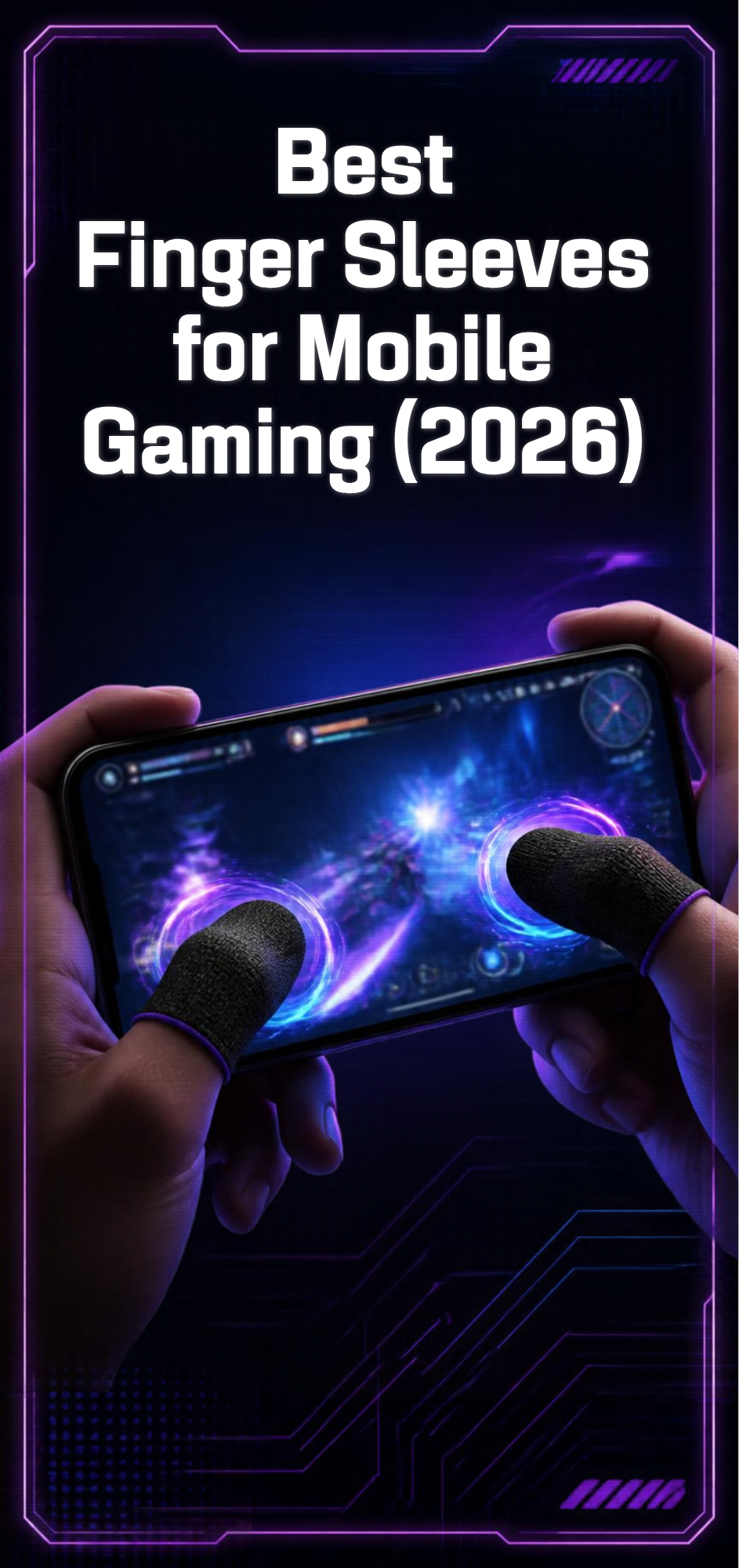
Updated October 2026
If your thumbs get slippery during a long BGMI or Free Fire session, the fastest and cheapest fix isn’t a new phone, it’s a pair of gaming finger sleeves. These thin, conductive sleeves slide over your thumbs or index fingers, cut down on sweat and friction against the screen, and make your taps register faster and more consistently. They cost a few dollars and fit in a pocket, which is more than you can say for most mobile gaming gear.
I’ve gone through what’s actually sold right now, from the cheap bulk packs to the brand-name options from Razer, Flydigi, and GameSir, so you don’t have to dig through a hundred near-identical Amazon listings yourself.
Why this list
Search “finger sleeves for mobile gaming” and you’ll get flooded with near-identical no-name listings that recycle the same stock photos. Most of them are fine, honestly, but it’s hard to tell which ones are actually worth ordering versus which ones are a seller flipping the same generic factory product under five different store names. I focused on products I could verify through an official brand page, a real retailer listing, or a store with a track record in mobile gaming peripherals, rather than just grabbing whatever showed up first in a search.
That means a couple of recognizable controller brands (Flydigi, GameSir), one PC/console gaming brand that also makes a dedicated mobile version (Razer), and the budget bulk-pack category that most players end up buying at some point anyway.
Why finger sleeves matter for mobile gaming
Capacitive touchscreens read the tiny electrical signal in your skin. Sweat changes that signal, which is why your taps start missing or your drag-shots feel delayed an hour into a ranked session. A finger sleeve woven with silver or carbon fiber keeps that conductivity stable while adding a smooth, low-friction layer between your skin and the glass. The result is fewer missed inputs, smoother swipe-to-aim, and dry fingers even in a hot room with no AC, which matters a lot if you’re playing somewhere like Istanbul in July.
They’re not going to turn a mediocre player into a pro. What they will do is remove one small, annoying variable, the same way a mouse pad helps a PC player even though it’s not doing any of the actual aiming.
There’s also a difference between a true finger sleeve and the bulkier “gaming gloves” some stores sell. A sleeve covers one or two fingers and is meant to disappear once it’s on. A full glove covers the whole hand and is mostly there for grip and sweat control rather than touch sensitivity, and honestly most mobile players skip those entirely because they add bulk right where you don’t want it, between your fingertip and the glass.
| Product | Type | Price | Best for |
|---|---|---|---|
| Razer Gaming Finger Sleeve | Single, silver-fiber | Varies by region | Brand reliability |
| Flydigi P1 Lite | Single, FlySilver (40D nylon + 14% silver) | ~$2.19 | First-time buyers |
| GameSir Talons | Single, conductive fabric | ~$3.60 (฿129) | Battle royale/shooter players |
| Generic bulk packs | Multi-pack, fiberglass/silver fiber | $3.39–$7 per piece, cheaper in bulk | Backup stash / heavy users |
Razer Gaming Finger Sleeve
What it is: A silver-fiber finger sleeve sold directly through Razer’s own store, built from a nylon and spandex blend.
Specs: About 0.8mm thick, hand-washable, universal fit for most finger sizes.
Why it’s good: It’s the only major PC/console gaming brand that makes a dedicated mobile finger sleeve, so build quality and consistency are a notch above the generic listings. The high-sensitivity fabric is designed specifically to reduce friction without dulling touch response.
Who it’s for: Players who want a known brand name and don’t mind paying a bit more for it.
Where to buy: Razer’s official site and RazerStore locations.
Flydigi P1 Lite Finger Sleeve
What it is: A budget sleeve from Flydigi, a brand better known for its mobile gaming controllers, made from what the company calls “FlySilver” material: 40D nylon blended with 14% silver content.
Price: Around $2.19 per sleeve.
Why it’s good: It’s genuinely cheap, and the silver content is on the higher end for this price range, which usually means better touch sensitivity over time compared to the no-name packs.
Who it’s for: Anyone who wants a low-risk way to try finger sleeves for the first time without committing to a full multi-pack.
Where to buy: MaxGaming and Newegg carry it internationally.
GameSir Talons Finger Sleeve
What it is: A conductive-fabric sleeve from GameSir, another mobile controller brand, marketed specifically for PUBG, Free Fire, ROV, and League of Legends: Wild Rift style play.
Price: Roughly 129 Thai baht (about $3.60) per sleeve at regional retailers.
Why it’s good: The seamless construction and sweat absorption are built for exactly the drag-shot and gyroscope aiming style that PUBG Mobile and Free Fire players lean on.
Who it’s for: Battle royale and shooter players specifically, since that’s who GameSir designed it for.
Where to buy: Regional electronics retailers and GameSir’s own storefronts; availability varies by country.
Generic bulk finger sleeve packs (Walmart/Amazon multi-packs)
What it is: Unbranded fiberglass-and-faux-silver-fiber sleeves sold in packs, usually under $4-7 for several pieces, from various third-party sellers.
Why it’s good: If you lose or wear through sleeves quickly, which happens, a multi-pack means you’re never without a spare. One listing checked sells individual colors from $3.39 to $6.53, and bulk packs of 6 to 30 pieces are common.
Downside: Quality control is inconsistent between sellers. Reviews are mixed, and sizing can run tight or loose depending on the batch.
Who it’s for: Budget players who go through sleeves fast, or anyone who wants a backup stash rather than relying on one or two sleeves.
Where to buy: Walmart.com and Amazon, searching “mobile gaming finger sleeves.”
How to pick the right finger sleeve
Thickness matters more than brand name. Anything advertised as ultra-thin (under 1mm) will feel closer to bare skin, which most competitive players prefer. Thicker sleeves last longer but can feel slightly less responsive on fast swipes.
Fit matters too. A sleeve that’s too loose will bunch up mid-match and throw off a shot; too tight and it cuts circulation on a long session. Most brands offer a “universal” one-size fit, but if you have unusually small or large fingers, check seller reviews for sizing complaints before buying a bulk pack.
Material is the other variable worth caring about. Most of the serious options use some percentage of actual silver or carbon fiber woven into the fabric, since that’s what keeps the conductive signal stable. The cheapest bulk packs sometimes use “faux silver fiber,” which is basically a coated synthetic that mimics the effect without the real metal content. It still works reasonably well for the price, it just doesn’t last quite as long before the coating wears thin.
Finally, pair the sleeve with a glass screen protector rather than a plastic one if possible. Glass holds its touch sensitivity better over time, and a worn plastic protector can undo a lot of what a good finger sleeve does. If you’re also running a clip-on cooling fan during long sessions, keep in mind that a sweaty sleeve doesn’t do much good if your phone itself is overheating and throttling, so the two problems are worth solving together.
One or two fingers is usually enough. Most mobile shooters only need the thumb that’s doing the drag-shot or the finger riding the fire button, so don’t feel like you need to sleeve every finger touching the screen.
FAQ
Do finger sleeves actually improve aim in PUBG Mobile or Free Fire?
They don’t change your mechanical skill, but by keeping your fingers dry and reducing drag on the screen, they make your inputs register more consistently, which matters a lot during long drag-shot flicks or gyroscope aiming.
How often should I replace a finger sleeve?
Most players get a few weeks to a couple of months out of one sleeve before the fabric thins out or the conductive fibers wear down, depending on how often you play. That’s why a multi-pack is often the better value.
Can I use a finger sleeve with a screen protector?
Yes, and you should. Just stick with glass protectors over plastic ones, since plastic degrades touch sensitivity faster and can partially cancel out the benefit of the sleeve.
Are finger sleeves and gaming gloves the same thing?
Not really. A finger sleeve covers just a finger or thumb and is built to disappear against the glass. A full gaming glove covers the whole hand, which some players like for grip on the back of the phone, but it adds bulk right at the fingertip, which can actually hurt touch precision for fast swipe inputs.
Got a brand or pack you’d add to this list? Drop it in the comments below.
Source(s):
- Razer Gaming Finger Sleeve — official product page
- Flydigi P1 Lite Finger Sleeve — MaxGaming
- GameSir Talons Finger Sleeves — BNN
- Gaming Finger Sleeves — Walmart listing
Related on drgamez: Best Phone Grips and Trigger Attachments for Mobile Shooters and Best Mobile Shooters in 2026.
AUTHOR TONAY
I’d grab the Flydigi P1 Lite first since it’s cheap enough to try without thinking twice, then move to a bulk pack once you know you’ll actually use them regularly.
