


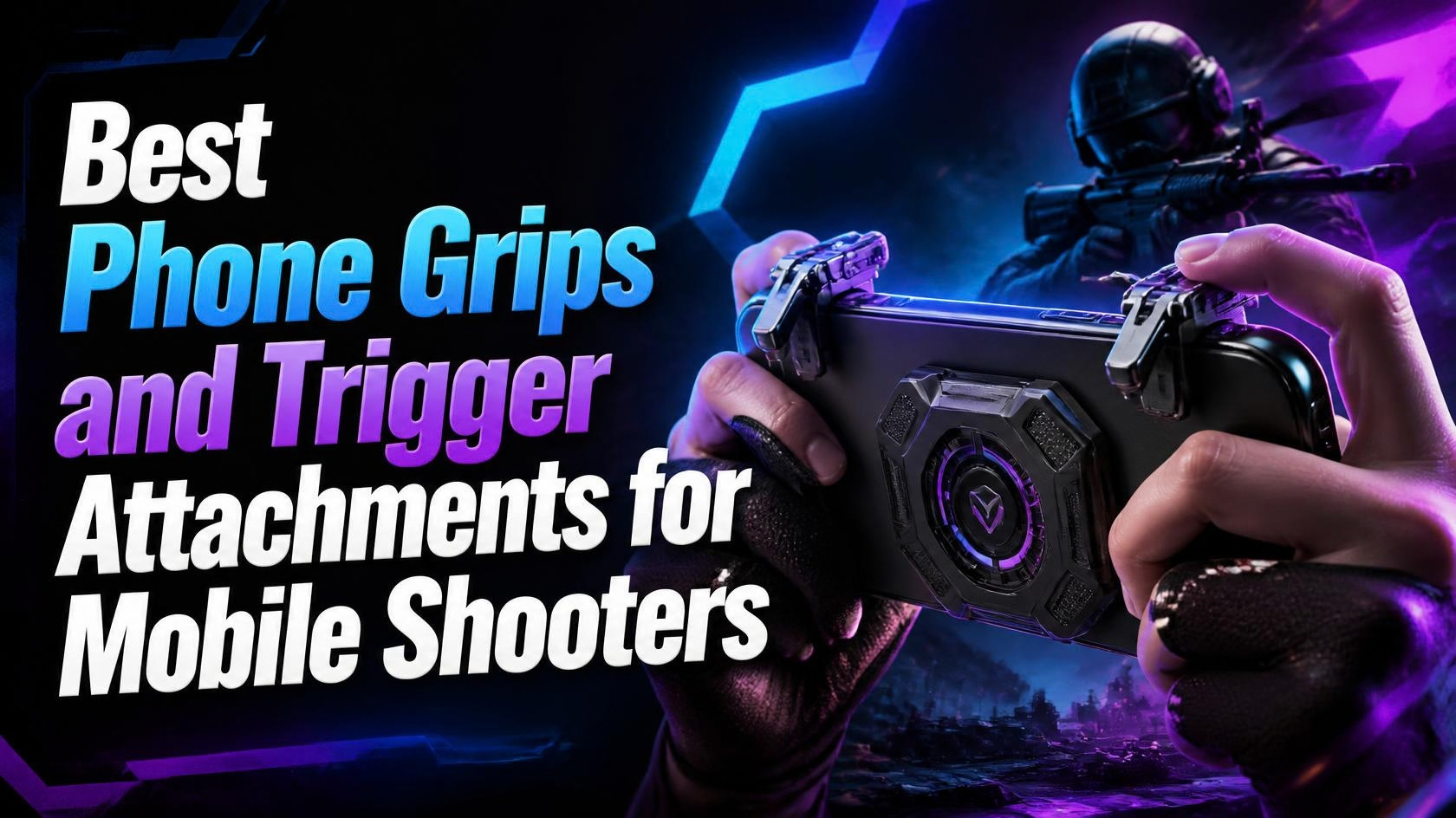
If your thumbs cramp up every time you go for a headshot in a mobile shooter, the fix usually isn’t a new phone, it’s better phone grips and trigger attachments for mobile shooters. A good trigger clip turns your touchscreen fire button into something closer to an actual shoulder button, and that alone can shave real time off your reaction speed in games like PUBG Mobile, Call of Duty Mobile, and Free Fire. I’ve gone through a pile of these over the years, from $8 plastic clips to full $100 controllers, and the gap between a cheap one and a good one is bigger than you’d think.
Below are six options that actually hold up, split between full clip-on controllers with real analog triggers and lighter, cheaper trigger-only attachments for people who just want better aim without carrying a controller everywhere.
Why a trigger attachment or grip actually helps
Touchscreen fire buttons work, but your thumb has to cover the screen to tap them, which blocks part of your view and adds a small delay. A physical trigger sits on the back or side of the phone, mapped to that same touch zone, so you fire with your index finger while your thumbs stay free to aim and move. In claw-grip-heavy games like PUBG Mobile and COD Mobile, that’s the difference between panic-tapping and actually tracking a moving target. It’s not going to turn you into a pro overnight, but it removes one annoying obstacle between you and a clean shot.
1. Razer Kishi V2
Type: Full clip-on controller with real analog triggers (not touch-mapped) · Price: around $99.99 · Platforms: separate Android (USB-C) and iPhone (Lightning/USB-C) versions, works with phones roughly 2.6″-3.5″ wide without a thick case.
This is the one most reviewers point to when they want an actual controller experience instead of a trigger clipped onto the touchscreen. The Kishi V2 has real clickable L2/R2 analog triggers, proper joysticks, and near-zero input lag since it connects over a direct wired link instead of Bluetooth. For shooters specifically, that means your aim-down-sights and fire inputs behave like a console controller, not a glorified rubber band. The trade-off is it’s bulkier than a simple grip and you can’t use your phone’s touchscreen for anything else while it’s docked in.
Who it’s for: players who want console-controller precision in games that actually support full controller input (PUBG Mobile, COD Mobile, and most emulated titles).
2. GameSir G8 Galileo
Type: Full clip-on controller with Hall-effect analog sticks and triggers · Price: around $79.99 · Platforms: Android, USB-C passthrough charging.
The G8 Galileo’s selling point is Hall-effect sensors in both the sticks and the triggers, the same magnetic sensor tech that’s replaced a lot of potentiometer sticks on PC controllers because it doesn’t wear out or drift over time. For shooter players, the triggers have a nice amount of resistance so you don’t fire by accident, and the sticks feel noticeably more precise for aiming than cheaper clip-ons. It’s a bit pricier than some alternatives, but if you’re gaming on your phone daily, the stick longevity alone is worth it.
Who it’s for: Android players who want controller-grade aiming without stick drift becoming a problem six months in.
3. Backbone One (2nd Gen, USB-C)
Type: Full clip-on controller · Price: around $99.99 · Platforms: USB-C version for newer iPhones and Android; separate Lightning version for older iPhones.
Backbone’s pitch has always been software polish as much as hardware, the companion app surfaces game recommendations and lets you capture clips, but the controller itself is also just solid: real triggers, a comfortable grip, and a shape that doesn’t feel like it’s going to snap your phone in half. It’s more of an all-rounder than a shooter-specific pick, but the trigger feel is good enough that it holds up fine in PUBG Mobile or Ratchet & Clank: Ranger Rumble sessions.
Who it’s for: players who want one controller that covers shooters and everything else without juggling multiple accessories.
4. GameSir X2s
Type: Compact clip-on controller with Hall-effect triggers · Price: around $55-65 · Platforms: USB-C Android, also works over Bluetooth with some devices.
The X2s is the budget-friendlier sibling of the G8 Galileo, smaller and lighter, which makes it easier to actually carry around instead of leaving it in a drawer. You still get Hall-effect triggers, which is rare at this price point, so it doesn’t feel like a toy. It’s not as premium feeling as the pricier options, but for the money it’s a genuinely good way to get real shoulder-button shooting without spending $80-100.
Who it’s for: players who want most of the benefits of a full controller without the full controller price.
5. Flydigi Shadow/Stinger Series Fire Triggers
Type: Clip-on fire-button trigger pair, no analog sticks · Price: roughly $15-25 for a pair · Platforms: universal, clips onto the top corners of basically any phone.
These are the simplest option on this list and honestly the most popular style you’ll see PUBG Mobile and Free Fire streamers using. Two small triggers clip onto the top of your phone and tap the screen where your fire and scope buttons already are, so there’s no pairing, no battery to charge on most models, and no controller bulk. They won’t help with movement or aiming the way a full controller does, but for the specific problem of “my thumb can’t tap fire and aim at the same time,” they solve it for less than the price of a game skin.
Who it’s for: players who just want faster, more reliable firing in touchscreen shooters without buying a full controller.
6. GameSir F8 Pro “Snowgon”
Type: Grip handle with built-in shoulder triggers and a small cooling fan, no analog sticks · Price: around $35-45 · Platforms: universal clip-on, USB-C or Lightning power for the fan depending on version.
This one sits between the simple trigger clips and the full controllers. You get two mechanical-feeling shoulder triggers for shooting, plus a built-in fan that actually helps if your phone is throttling during long ranked sessions in something like COD Mobile. It doesn’t replace a stick-based controller for movement, but for people whose phone overheats mid-match and who just want better fire buttons, it kills two problems at once.
Who it’s for: long-session shooter players whose phone gets uncomfortably hot and who want shoulder triggers without a full controller’s bulk.
Which one should you actually buy?
If you only play touchscreen shooters casually, grab a cheap Flydigi-style trigger clip first, it’s a low-risk way to see if physical triggers even work for your grip. If you’re playing daily and want real aiming precision, the GameSir G8 Galileo or Razer Kishi V2 are the better long-term investment, with the Kishi V2 being the safer pick if you also want it to work well as a general controller outside of shooters. For more on which games are actually worth playing with these, check out our Best Mobile Shooters in 2026 list, and if you want the full breakdown of general-purpose controllers, see our Best Mobile Game Controllers (Android & iOS) guide.
FAQ
Do trigger attachments work in every mobile shooter?
Most touch-mapped triggers (the Flydigi and F8 Pro style) work in any game since they just tap the screen, but full controllers like the Kishi V2 or G8 Galileo only give you analog stick movement in games that officially support controller input, like PUBG Mobile and COD Mobile. Some gacha and battle royale titles only partially support controllers.
Will a trigger attachment get me banned?
No, major mobile shooters allow physical controllers and trigger clips, they’re considered standard accessories, not cheats. What gets players banned is software that automates aiming or firing, which is a different thing entirely.
Do I need a full controller or just triggers?
If the game you play most has good touchscreen movement controls and you just struggle with firing fast, a cheap trigger clip solves that specific problem. If you also want proper analog stick aiming, you’ll need a full clip-on controller.
Which one of these are you actually running right now, or did I miss one worth adding? Drop it in the comments.
Source(s):
Razer Kishi V2 official product page
GameSir G8 Galileo official product page
Backbone One official site
GameSir X2s official product page
Dexerto Razer Kishi V2 review
iMore GameSir F8 Pro coverage

2 Comments
Pingback: Best Finger Sleeves for Mobile Gaming (2026)
Pingback: Best Phone Stands and Mounts for Mobile Gaming (2026)